01
Smart farming
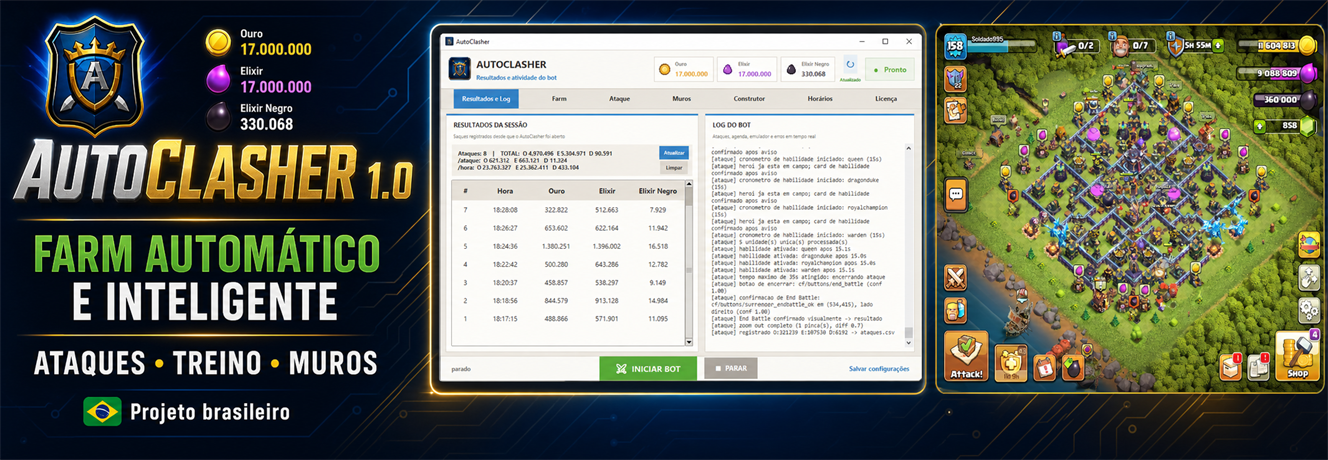
Search by minimum Gold, Elixir and Dark Elixir, identify valid deployment areas and deploy the army you configured.
Loot filtersArmy validationAttack recovery
WINDOWS AUTOMATION FOR LDPLAYER 9
AutoMiner handles the repetitive work: it searches for loot, deploys your configured army, collects resources and keeps upgrades moving across one or multiple accounts.
Independent third-party tool. Automation may violate publisher rules and carries account risk.
PROOF BEFORE PROMISES
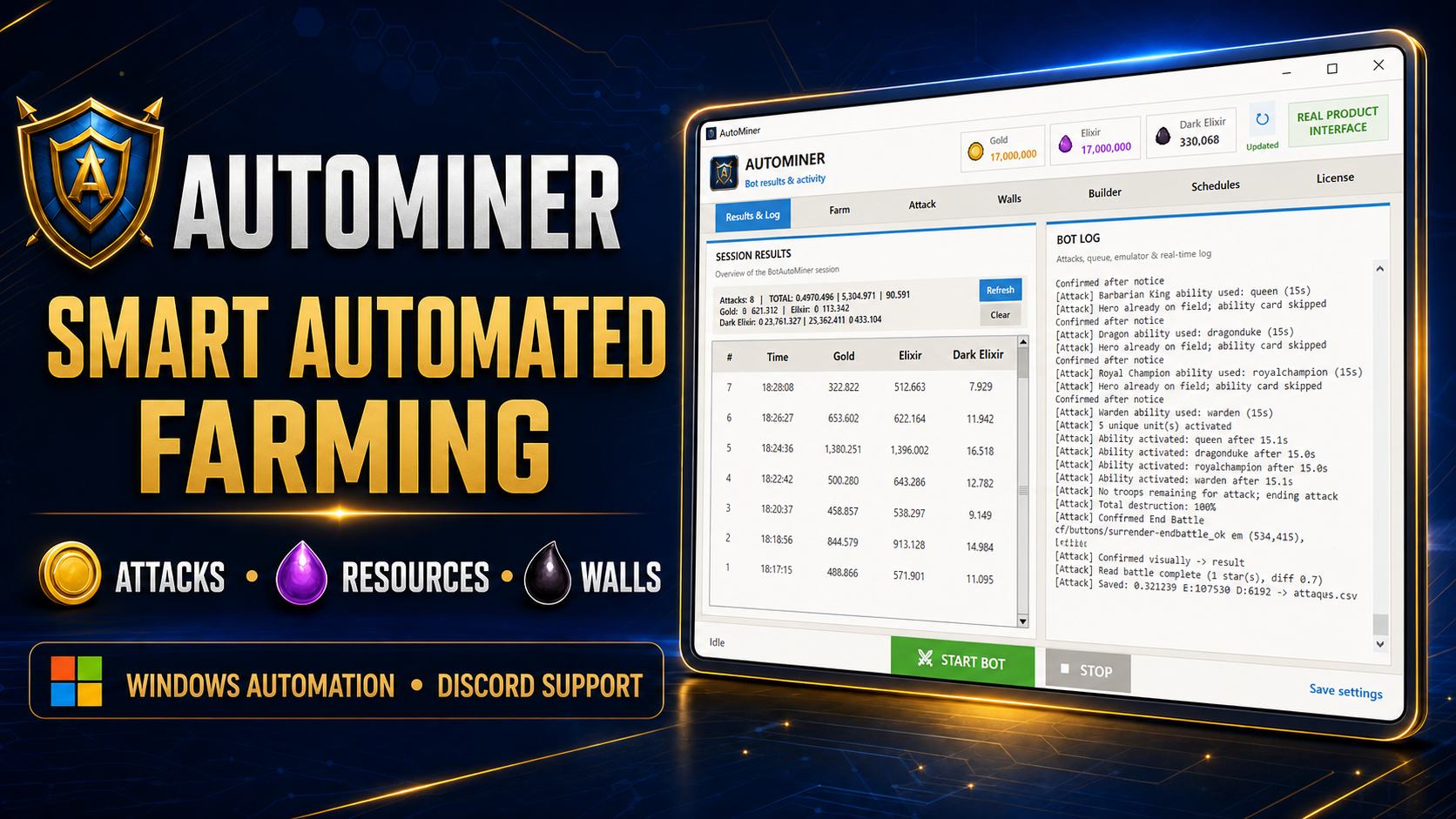
This is a real AutoMiner session. Watch the bot work through multiple villages and see how the multi-instance control center keeps every account separate.
THE COMPLETE ROUTINE
Configure the routine once and keep visibility over every important step.
Real gameplay footage showing the farming routine in action — not a simulated interface.
Watch on YouTube ↗Search by minimum Gold, Elixir and Dark Elixir, identify valid deployment areas and deploy the army you configured.
Spend resources on walls, buildings, heroes, laboratory troops and spells using configurable priorities and reserves.
Read donation requests and fill supported troop and spell slots quickly from available armies.
Run Builder Base routines alongside Main Village farming, with separate settings for each activity.
Receive attack reports, check status and start or stop configured instances remotely.
THE DIFFERENCE THAT MATTERS
AutoMiner detects compatible LDPlayer instances and gives each one independent settings, logs, attack statistics and controls. Run only what your computer can comfortably support.
Each standard license is tied to one Windows PC. Multi-instance capacity depends on that computer's CPU and available memory.
FROM PURCHASE TO FARMING
Pick your license length and preferred supported currency.
Stripe handles card and eligible wallet details outside AutoMiner.
The purchase page and email deliver your individual activation key.
Apply 860 x 672, DPI 160 and ADB local connection, then start your routine.
CLEAR REQUIREMENTS
AutoMiner is designed for a specific Windows and LDPlayer environment so screen recognition remains predictable.
Clash of Clans must be installed and set to English. Stable internet is required for license validation and game activity.

LATEST RELEASE
Adds a farm target that stops the bot or rotates to the next village, village detection that works on any PC, account and language, Builder Base walls paid with elixir, faster upgrade lists, colour-coded logs and a planner that no longer skips upgrades over a currency guess.
SIMPLE LICENSING
Every plan unlocks the same automation features on one Windows PC.
A low-cost first week with complete feature access.
One complete month for a new or returning player.
Three months for consistent farming and progression.
A full year of access, updates and priority support.
Permanent access to your AutoMiner license.
The installer is free. A valid license key activates automation when you are ready.
Final currency and total are confirmed before payment. Rates by Exchange Rate API.
No automation tool can guarantee account safety. By purchasing, you confirm that you understand the publisher-rule and account-penalty risk described in our Terms.
STRAIGHT ANSWERS
Clear requirements, delivery and limitations before checkout.
Every plan unlocks farming, upgrades, donations, Builder Base, Telegram and multi-instance controls on one licensed Windows PC. Only the license duration changes.
Yes. Compatible LDPlayer instances can run independently on the same licensed computer. The practical number depends on your processor and available memory.
After Stripe confirms payment, the delivery page reveals your unique key and download link. The same purchase details are also sent to your email.
The duration begins on first successful activation, not when an unused key is generated.
No. Automation may violate the game publisher's rules and can result in an account penalty. AutoMiner does not claim to be undetectable or risk-free.
No. AutoMiner is an independent third-party Windows tool and is not endorsed, sponsored or approved by Supercell.
CONTACT + COMMUNITY
The fastest way to contact AutoMiner is through our official Discord. Get installation guidance, activation help, release announcements and invite-based trial rewards.
READY WHEN YOU ARE